
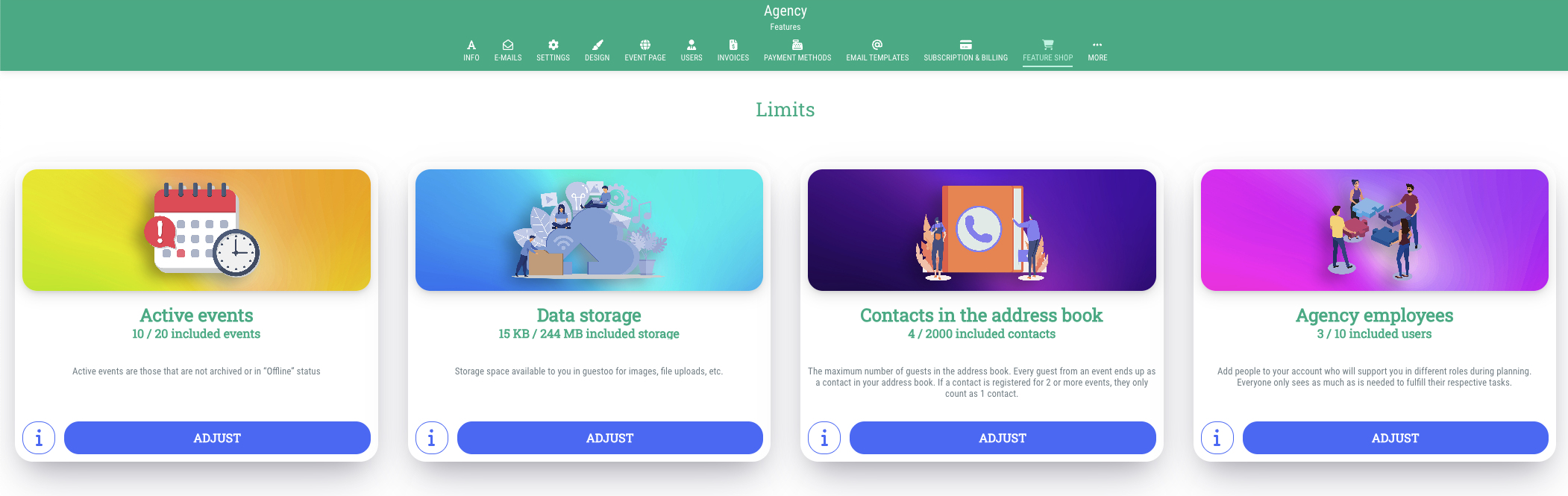
Here you can increase the maximum amount of events, data storage, contacts and agency users that is allowed for your agency.
This is how:
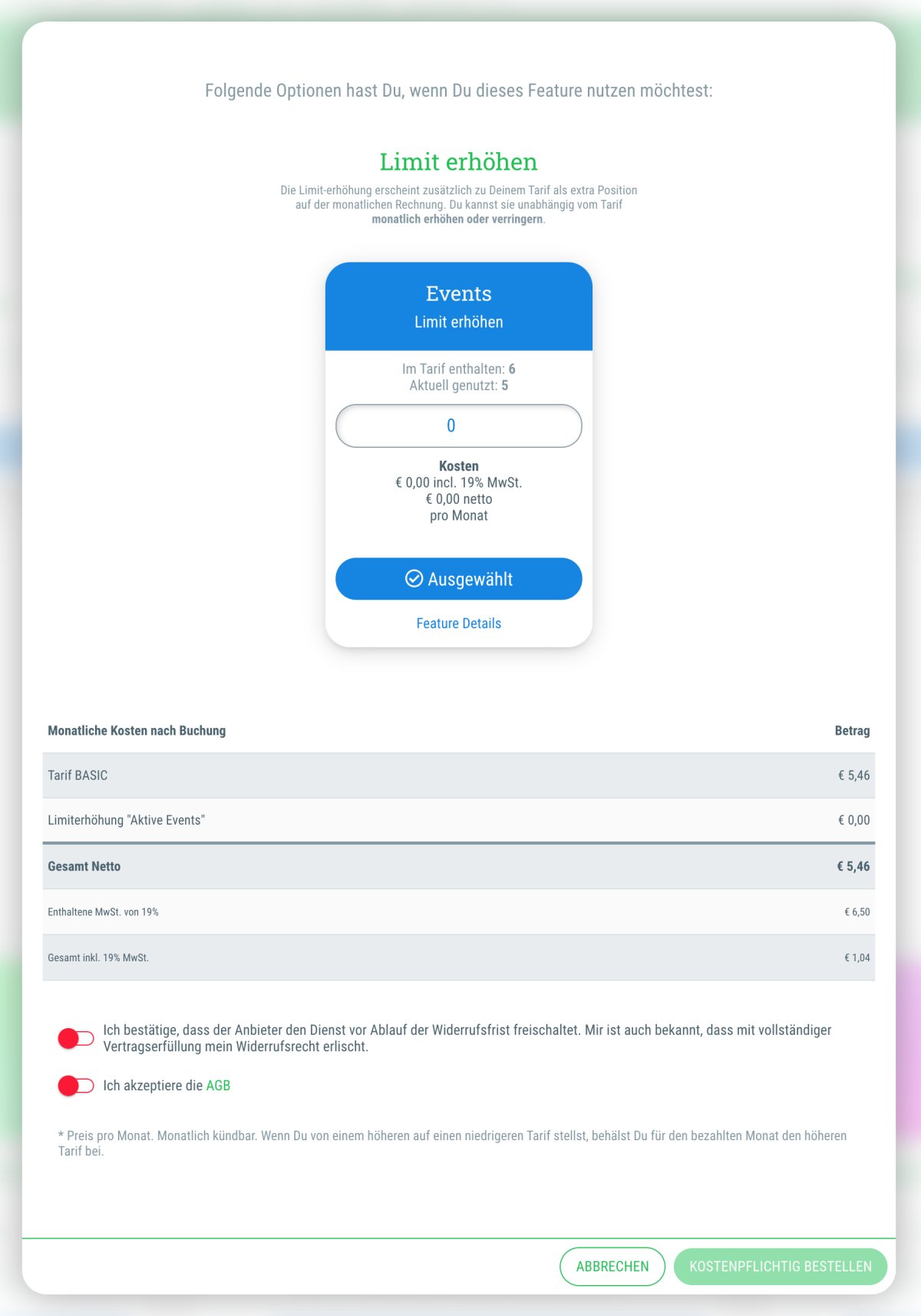
- Click on the button "Adjust" below the limit that you would like to increase
- Enter the desired number of the additional events/data storage in MB/contacts/agency users that you want to add to your subscription!
- Book for a limited period:
If you enable this toggle, you can book the limit up to a specific date. For example, if you already know that you’ll only need the limit until the end of December of the current year.
If you don’t enable this option, the booked limit remains in effect and will be billed to you monthly until you manually remove it under Agency > Subscription & Billing. - Double check the calculated monthly cost that is displayed
- Confirm both agreements by setting the toggles to green by clicking on them
- Click on "Order for a charge"