

First Steps / Quick start guide

The most important information on one page

We aim to keep guestoo self-explanatory and easy to use, so this short introduction should suffice to get you started and enable you to create your first event. However, there are further explanations for each feature and setting on the following pages, which are worth checking out since we added some clever features that might be helpful for you.

1. Sign up for free

One account, all possibilities

In order to manage your events and guests/participants with guestoo, you'll first have to sign up for a free account.

Simply fill out the form on our website, confirm your email address by clicking the link in the email you receive and you're ready to go!

If you end up not being satisfied with guestoo, you can easily delete your entire account at any time.
2. Log in & set up agency

2. Log in & set up agency -

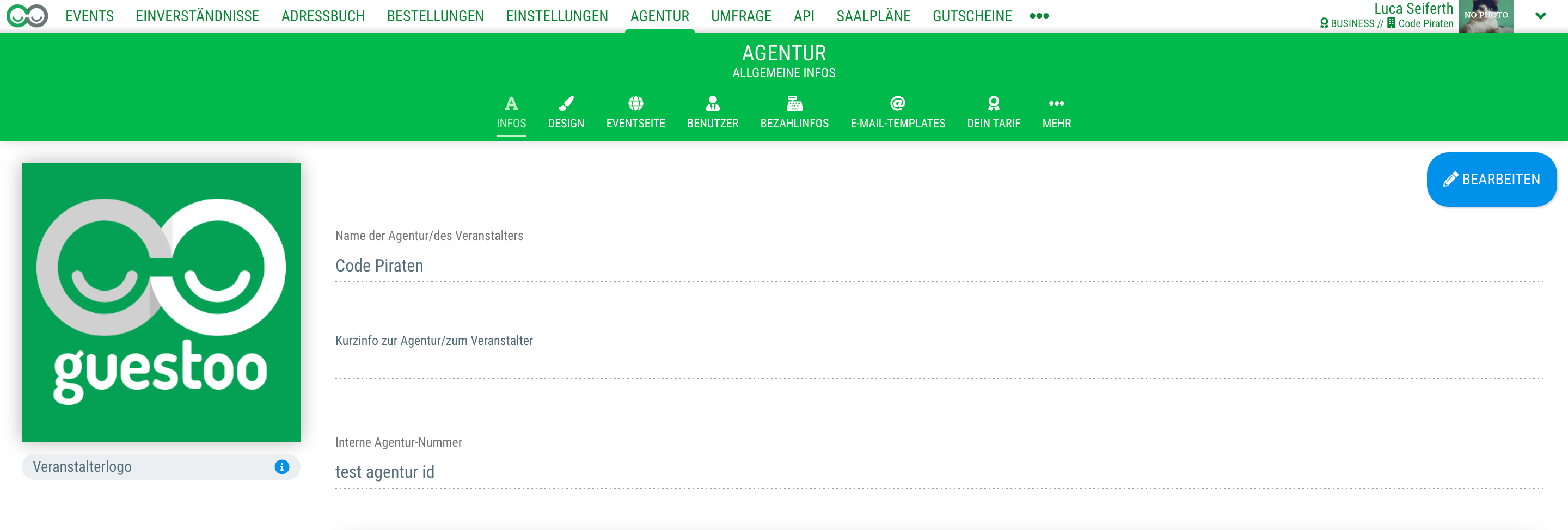
After logging in, you'll be greeted by the Dashboard. Here you'll find all important information regarding your events at a single glance. Since your account is still empty after just signing up, you can first click on "Agency" in the menu bar.

A tutorial on how to set up your agency can be found here

3. Create first event

3. Create first event -

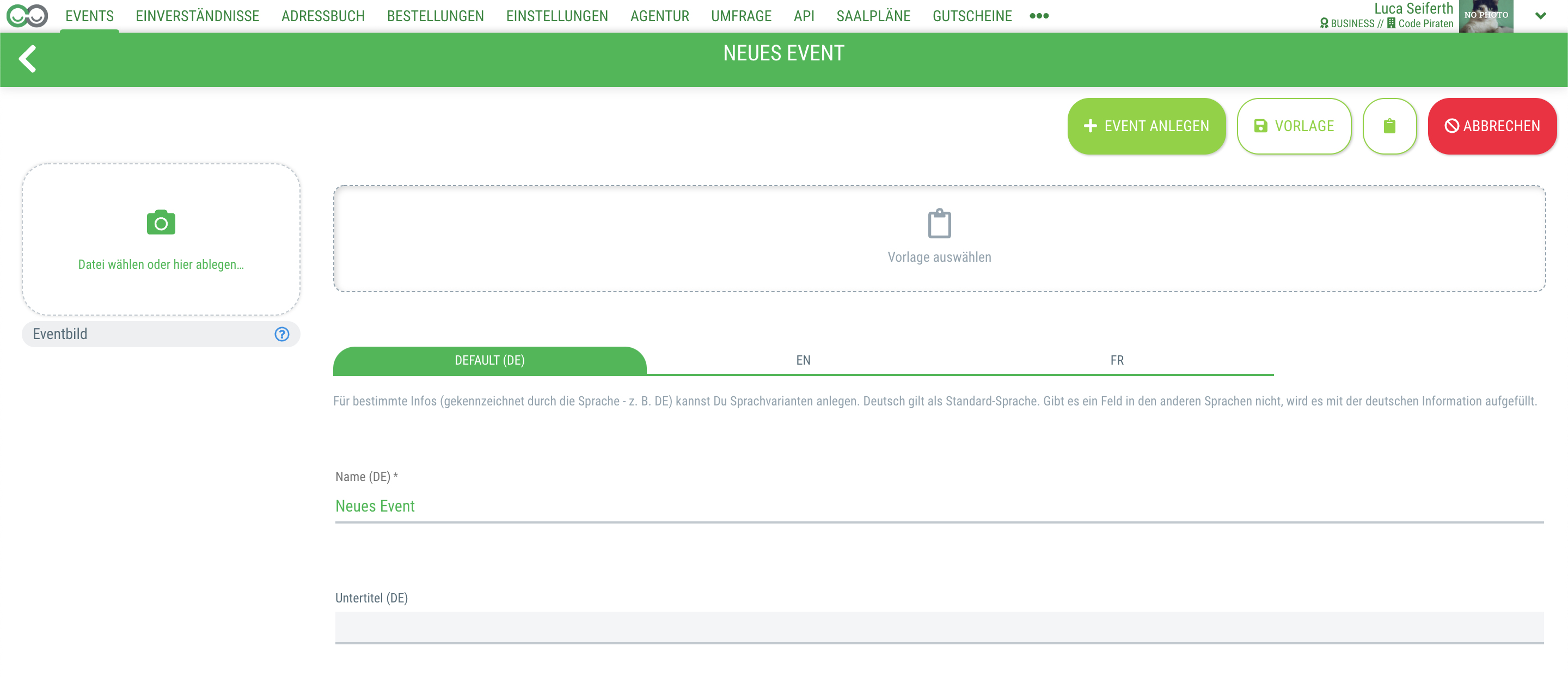
After setting up your agency, you're ready to create your first event.

A tutorial on how to create your first event can be found here

Häufige Fragen & deren Antworten zum diesem Bereich (FAQ)

  • Can I delete my account again?

    Yes, you can delete your account completely at any time. Simply go to your profile and click “Delete account.”

  • Is there a demo page?

    Sure. Here is an example event. Feel free to register: guestoo Beispielevent

  • Can I also export the data from guestoo?

    YES! We have placed a lot of emphasis on export options, and there is an event and guest API.

  • Can guests still register if the event is full? Is there a waiting list?

    Yes, guests will receive a message when signing up that the event is full, but that they can still sign up for the waiting list and will be moved up as soon as a spot becomes available.

    You can see the sign-up date in the guest list and are free to manually decide who you want to move up.

  • Is guestoo GDPR-compliant?

    Yes. And we are working intensively with our lawyer to ensure that this remains the case. See our dedicated page on the topic guestoo und die DSGVO (Only available in German at this time)

  • Is there a data processing agreement that I can sign with guestoo?

    Yes. See our dedicated page on the topic guestoo und die DSGVO (Only available in German at this time)