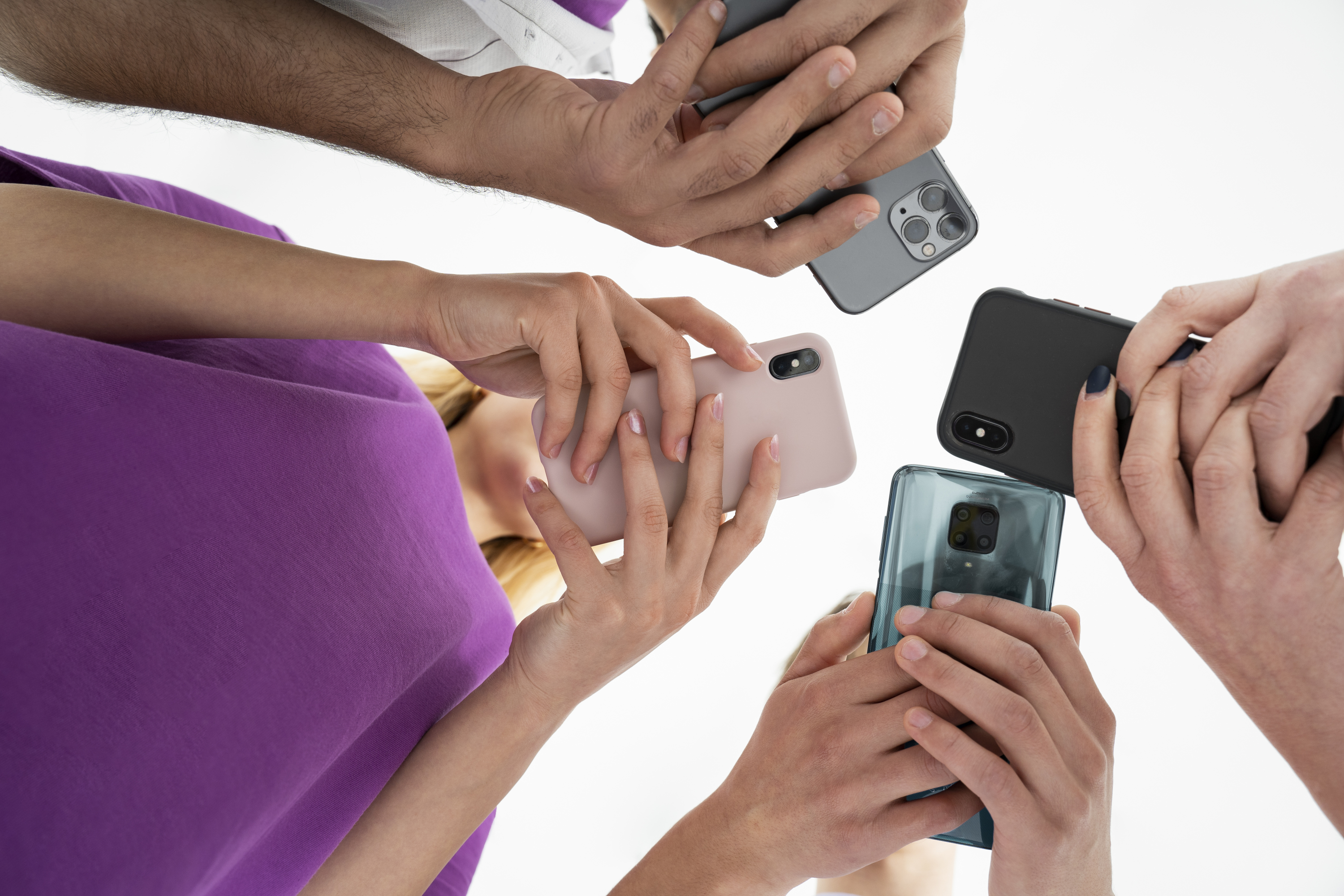
You can use the guestoo app with any commercially available smartphone or tablet running on Android or iOS.
However, we recommend Apple devices, as experience has shown that these run the most stable.
The guestoo app can also be used on standard laptops to provide a trouble counter and for the check-in process itself.
If you want to use a Mac for check-in, you will need hand scanners that are compatible with Mac OS.
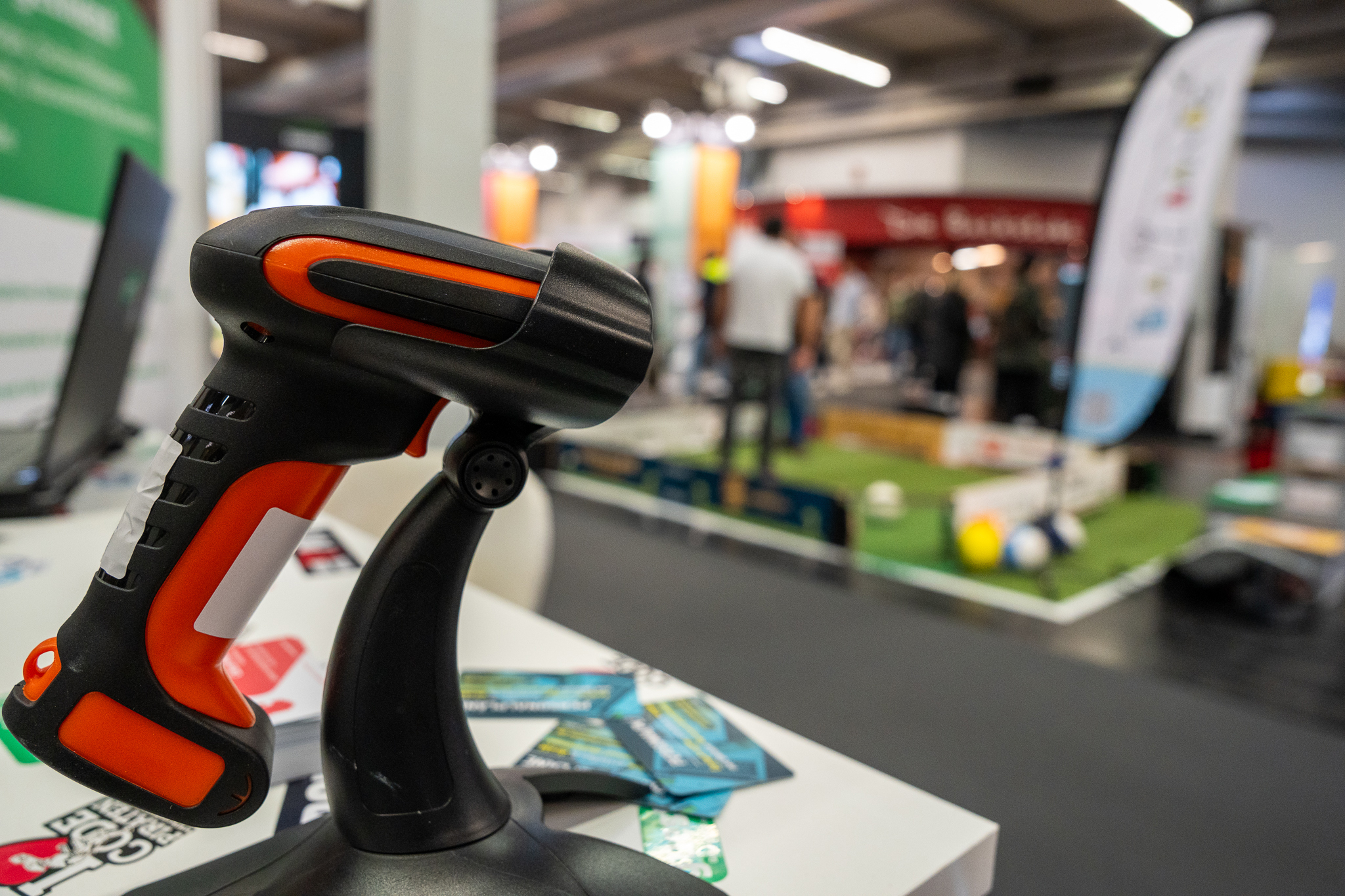
Based on our experience, we recommend the following devices:
- Tera Pro
Would you like to enable your guests to check in by themselves without the need for additional check-in staff?
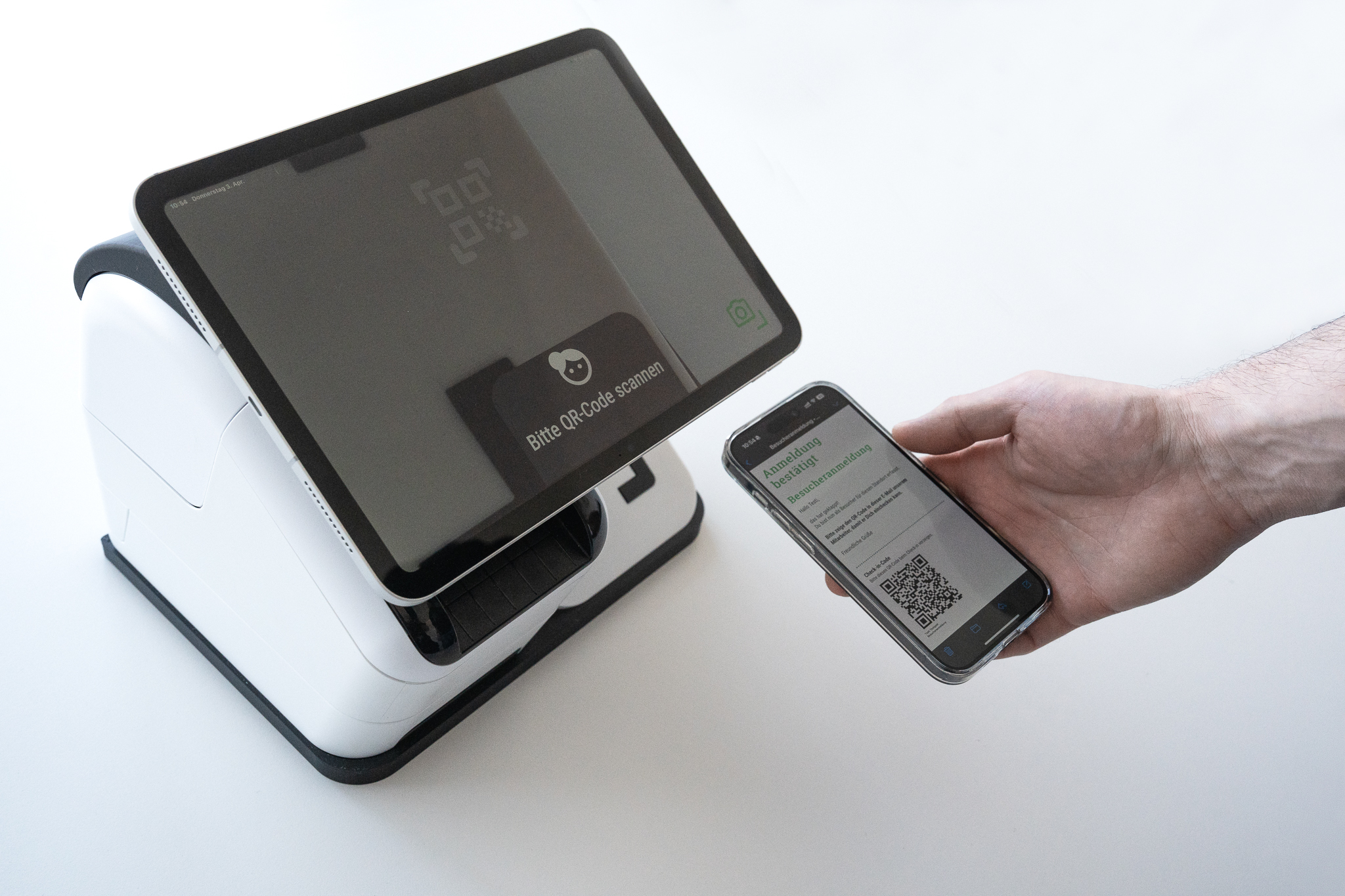
Book our specially designed check-in station.
The check-in station includes the following functions:
- Scanning the QR code
- Obtaining signatures to confirm consent
- Name badge printing
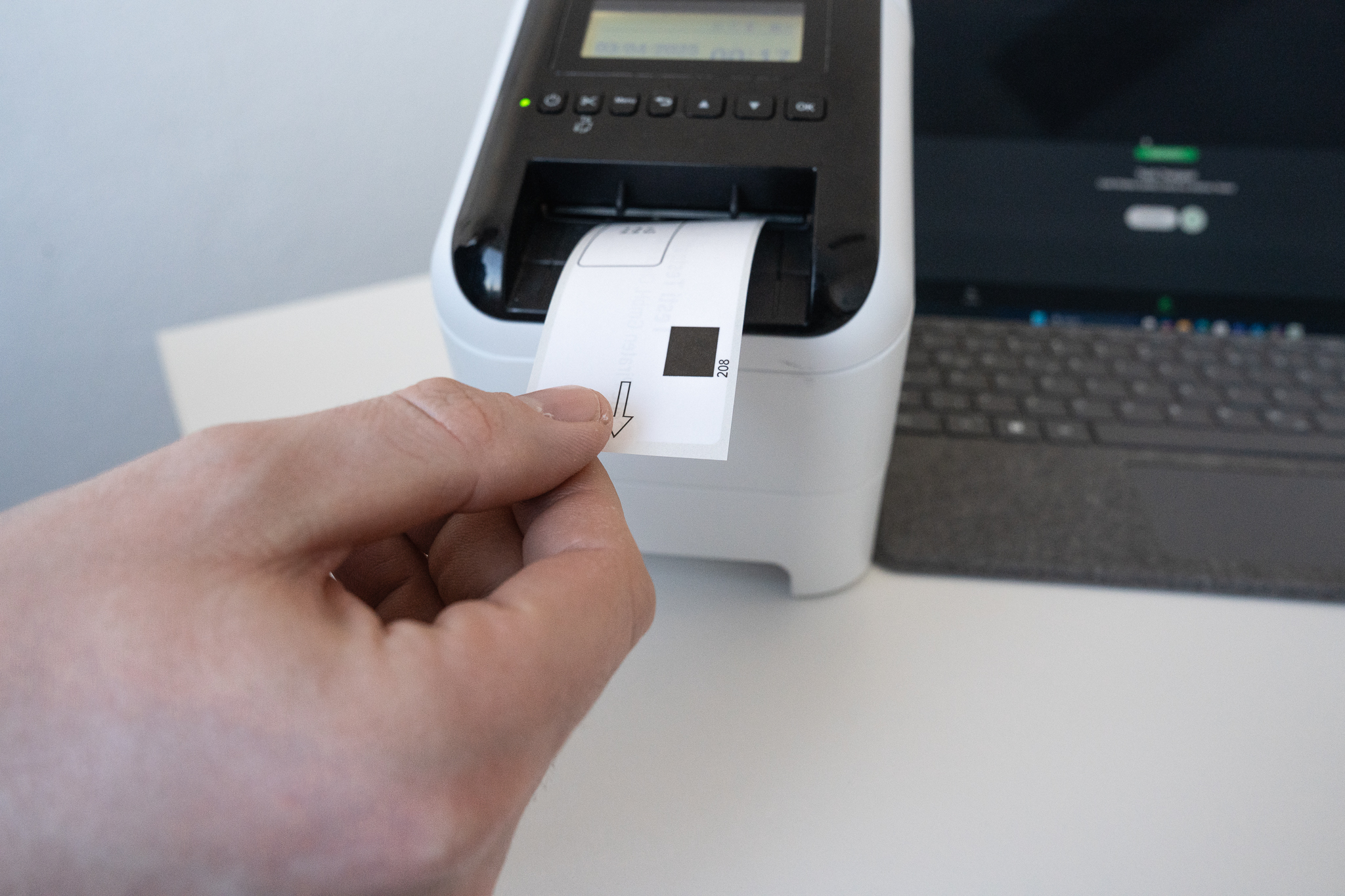
Adhesive labels are a particularly popular option for name tags at events.
We recommend AirPrint-compatible label printers such as
- Brother QL‑820NWBc
Since you can flexibly customize the name tag templates with guestoo, any printer can be used as long as it is compatible with the device used for check-in.
This opens up a wide range of possibilities, especially when using a Mac or PC, e.g. printing on plastic cards or similar materials.
Organize events and guests online easily!guestoo makes guest management easy!